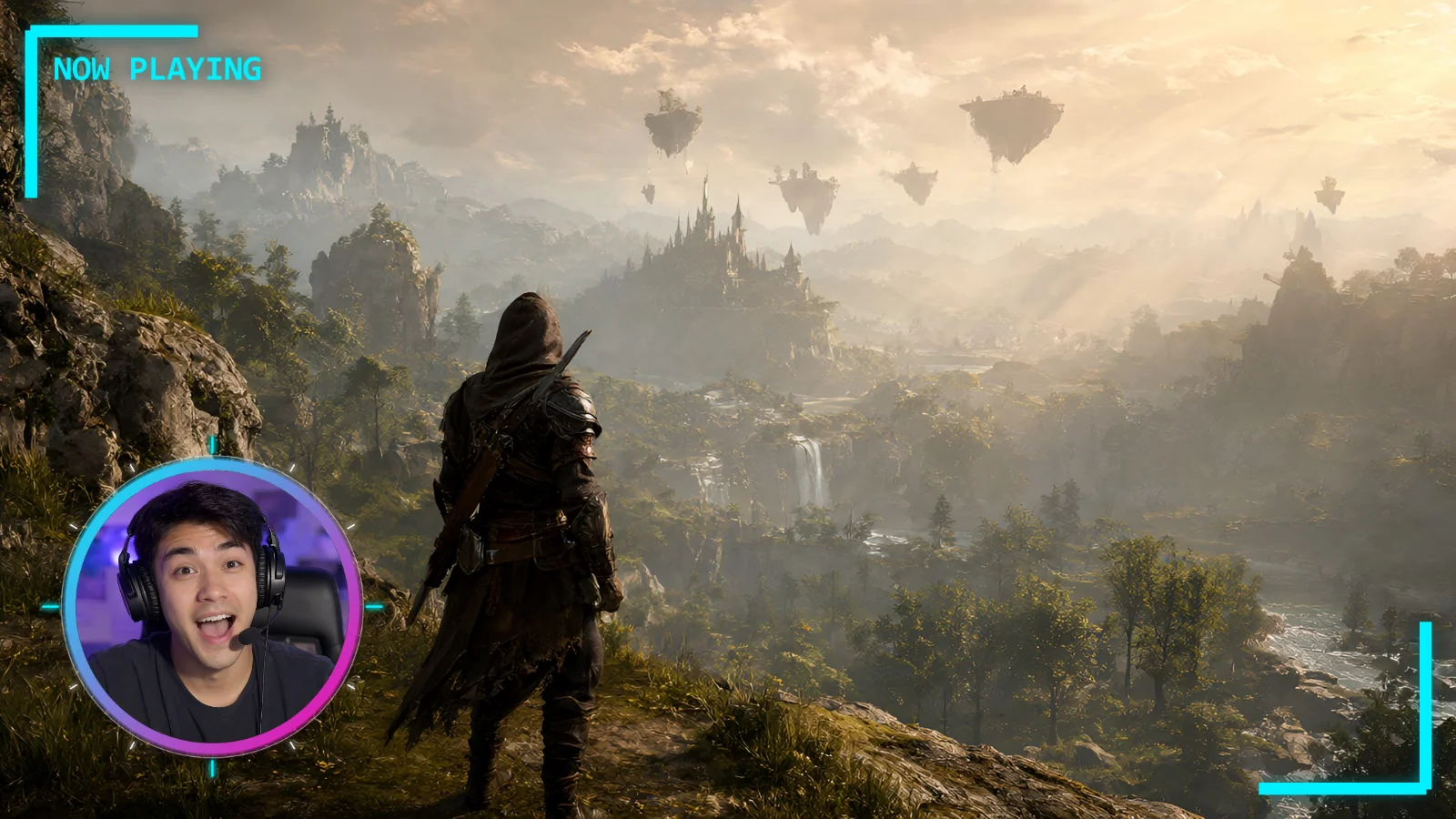
 How to add overlays and webcam frames in OBS
Add HUD frames, overlay effects and webcam frames to your stream, including a circle webcam, in the free OBS Studio.
How to add overlays and webcam frames in OBS
Add HUD frames, overlay effects and webcam frames to your stream, including a circle webcam, in the free OBS Studio.
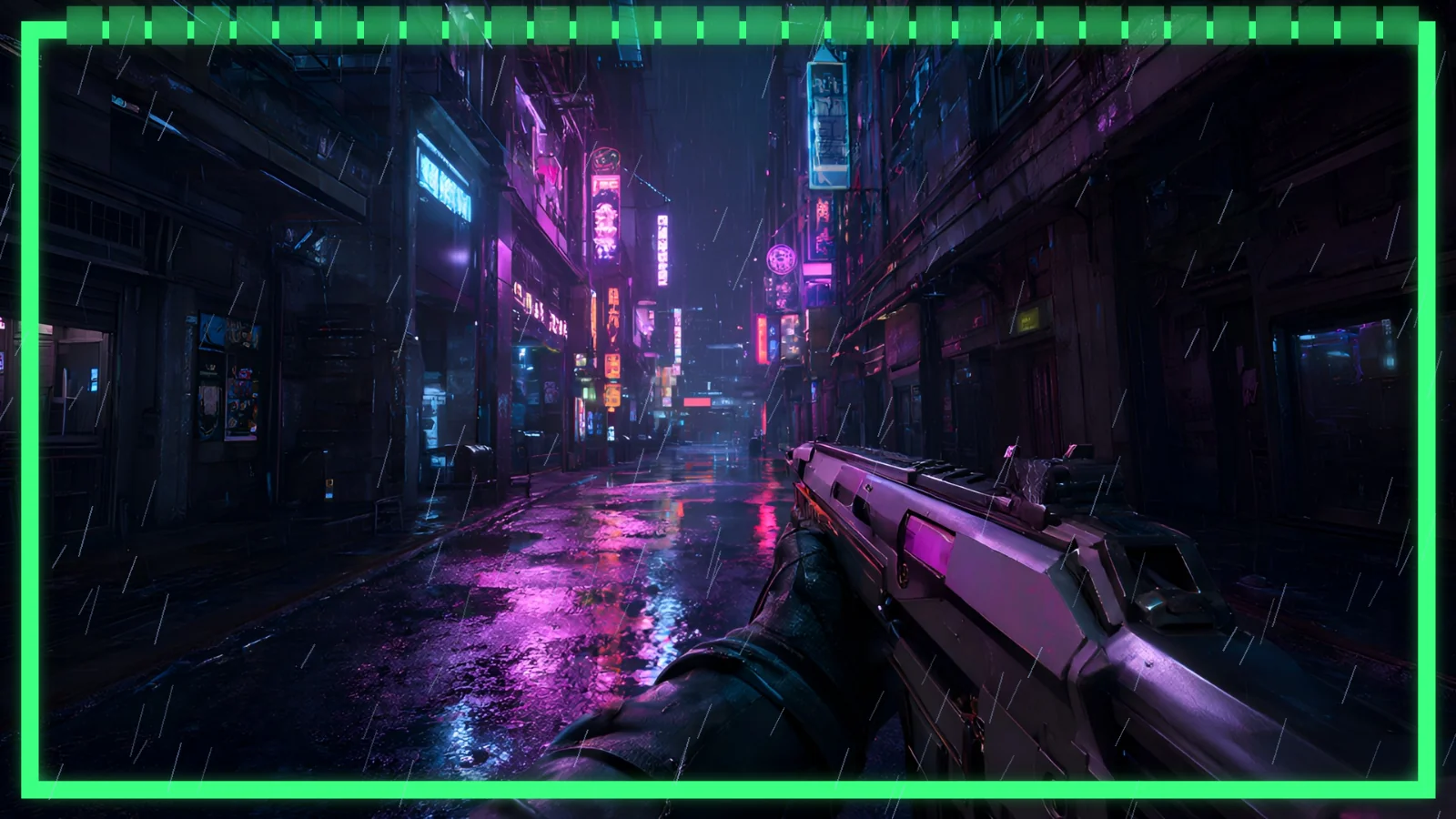 How to add overlays in DaVinci Resolve
Import, stack and soften HUD frames and overlays in the free DaVinci Resolve 21.
How to add overlays in DaVinci Resolve
Import, stack and soften HUD frames and overlays in the free DaVinci Resolve 21.
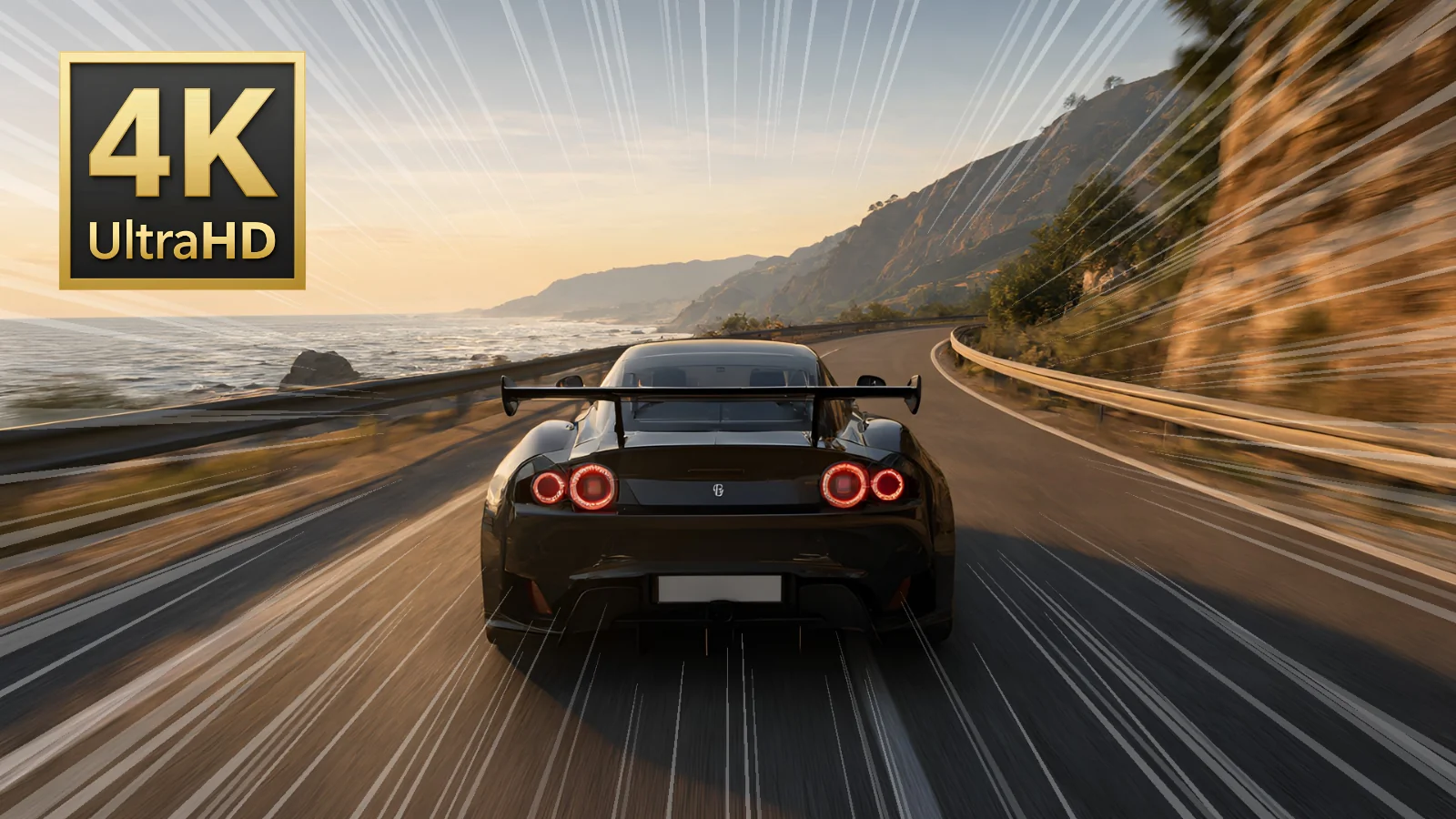 How to add badges and overlays in Photopea
Put badges and overlay effects on a YouTube thumbnail in the free, browser-based Photopea.
How to add badges and overlays in Photopea
Put badges and overlay effects on a YouTube thumbnail in the free, browser-based Photopea.